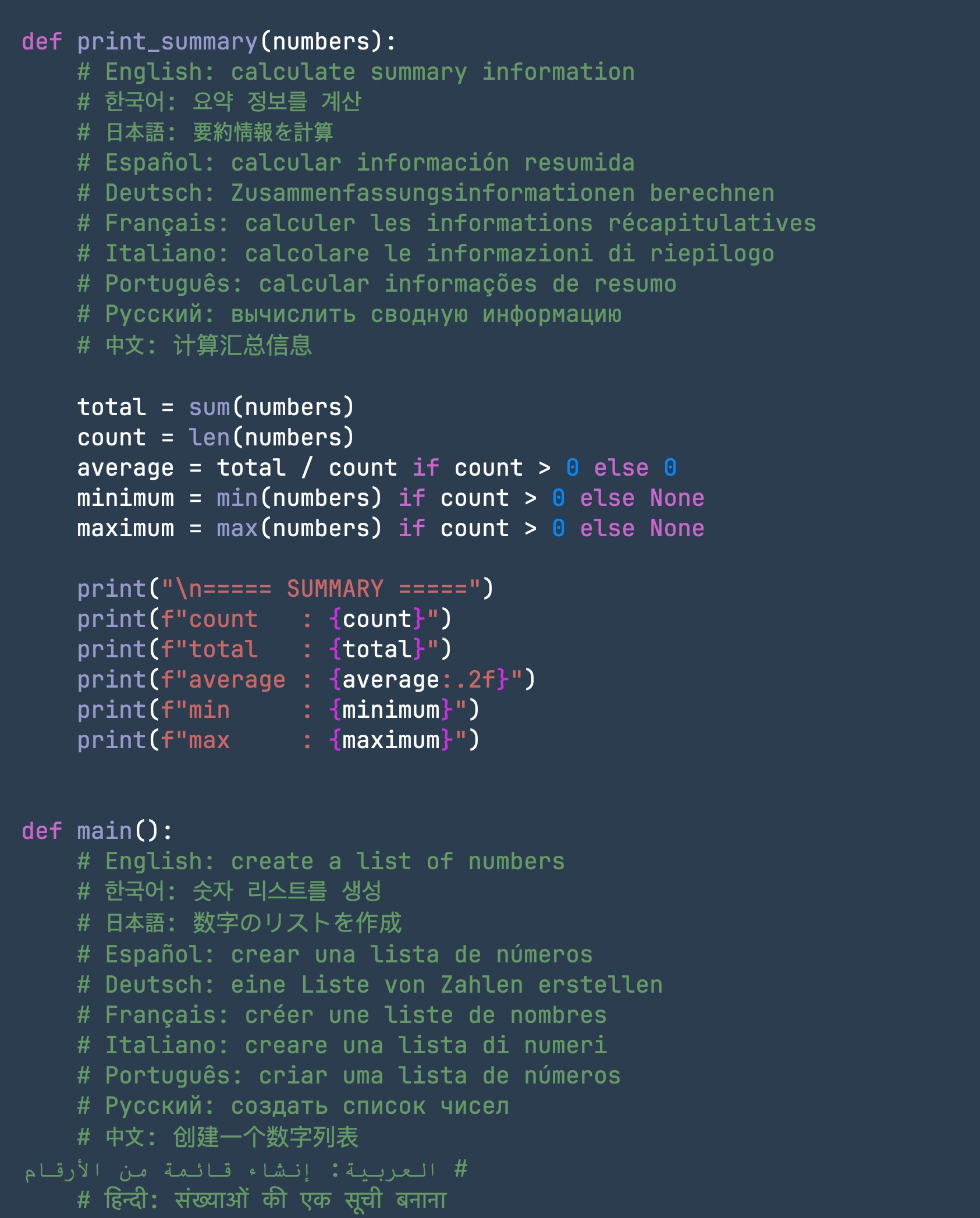
Void Text editor preview

Latest release: v0.54.0

Void Text

A quiet, native writing space for Mac.

Free, compact, and built with Swift so most actions stay close to your keyboard shortcuts.

Free No subscription
Native Swift macOS app
Executable size About 15 MB
Editable files Up to 50 MB

Focused writing

The editor stays spacious until you ask for more structure.

Immersion mode

Pull the interface away with Command + 1 when the document should take over the screen.
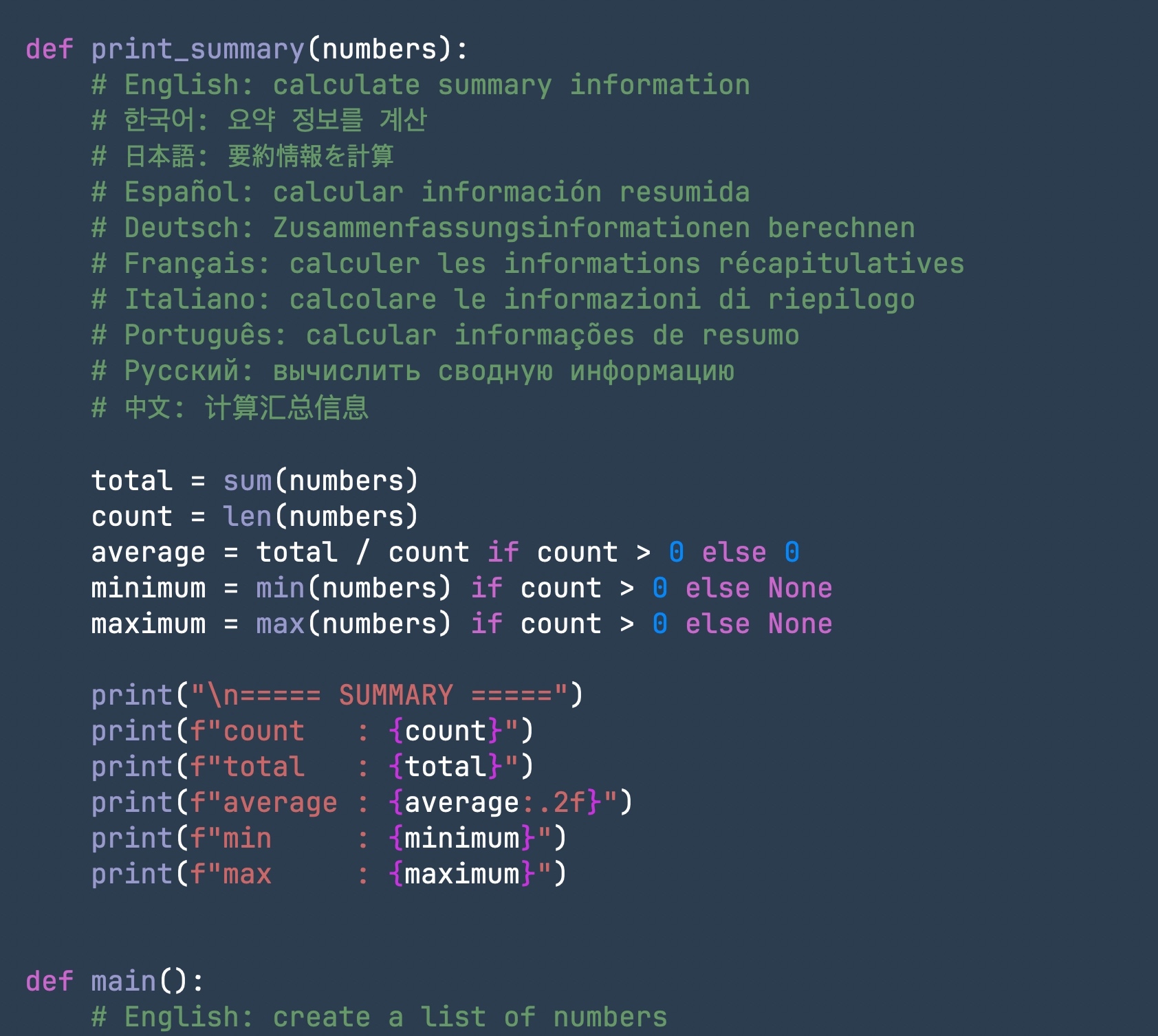
Readable distance

Zoom in, zoom out, or return to actual size without leaving the keyboard.

Structure on demand

Bring back the sidebar and current line number only when navigation matters.

Major features

Native speed, calm typography, and practical export in one small app.

Typography

JetBrains Mono, Fira Code, UDEV Gothic

Cycle font presets while writing so code notes, drafts, and multilingual text each get the right feel.

Large files

Edit up to 50 MB with a read-only fallback

Oversized documents remain accessible without putting editing stability at risk.

Export

Built-in PDF output

Turn a clean writing surface into a shareable document without a separate export workflow.

Controls

Keyboard-first by default

Focus, zoom, structure, and font changes sit close to the hands that are already typing.

Shortcuts

Fast changes without breaking the writing flow.

Command + 1
Focus Mode
Command + Plus
Zoom In
Command + Minus
Zoom Out
Command + 0
Reset Zoom
Command + 3
Show Current Line Number
Command + 4
Toggle Sidebar
Command + 5
Change Font

Demo

See how the editor moves with you.

Immersion Mode

Clear the interface so only the document fills the screen.

⌘ + 1

Text Zoom

Zoom in, out, or reset with quick keyboard combos.

⌘ +  / ⌘ − / ⌘ 0

Current Line

Toggle the current line number on and off.

⌘ + 3

Sidebar Toggle

Show or hide the document sidebar without changing tools.

⌘ + 4

Cycle Fonts

Switch between JetBrains Mono, Fira Code, and UDEV Gothic while typing.

⌘ + 5
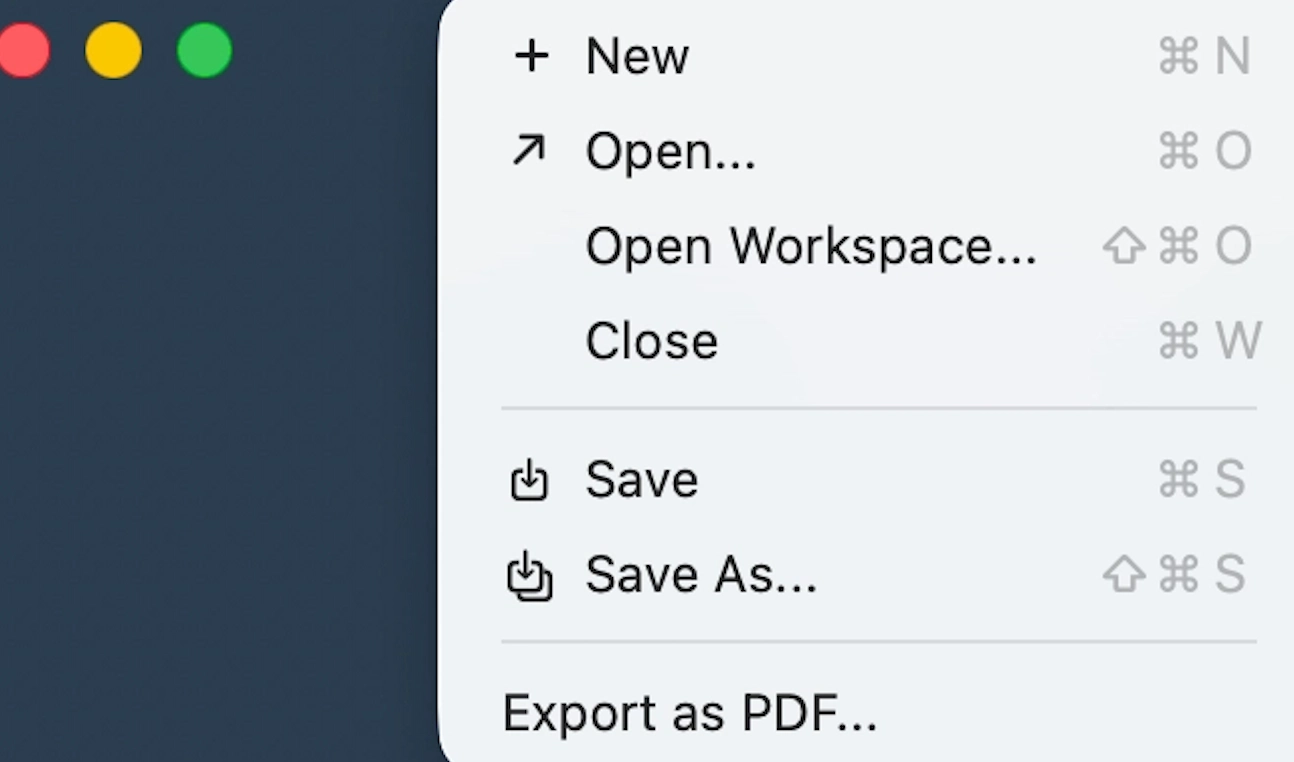
Void Text PDF export preview

PDF Export

Save a clean PDF from the same native writing surface.

Built-in PDF

Release

Download the current public build from GitHub Releases.